客户端接入 / IDE / CLI
opencode 配置教程
先安装opencode
使用nodejs
npm install -g opencode-ai
配置提供者
https://opencode.ai/docs/providers/
##### 配置两个地方
###### 提供者配置(没有这个文件就新建)
###### ~ 代表用户的工作目录 如windows上 C:\Users\admin
~/.config/opencode/opencode.json


{

  "$schema": "https://opencode.ai/config.json",

  "provider": {

    "anthropic": {

      "options": {

        "baseURL": "https://www.cokeapi.com/v1"

      }

    }

  }

}
##### 这里我替换了现有的 anthropic 地址
###### 密钥配置
###### 这里我们配置一个 claude 平台的,在我们网站控制台,创建key 并选择我们claude相关分组 如claude 专属
~/.local/share/opencode/auth.json


{

  "google": {

    "type": "api",

    "key": "1111111111111111111"

  },

  "anthropic": {

    "type": "api",

    "key": "sk-xxxxxxxxxxxxx"

  }

}
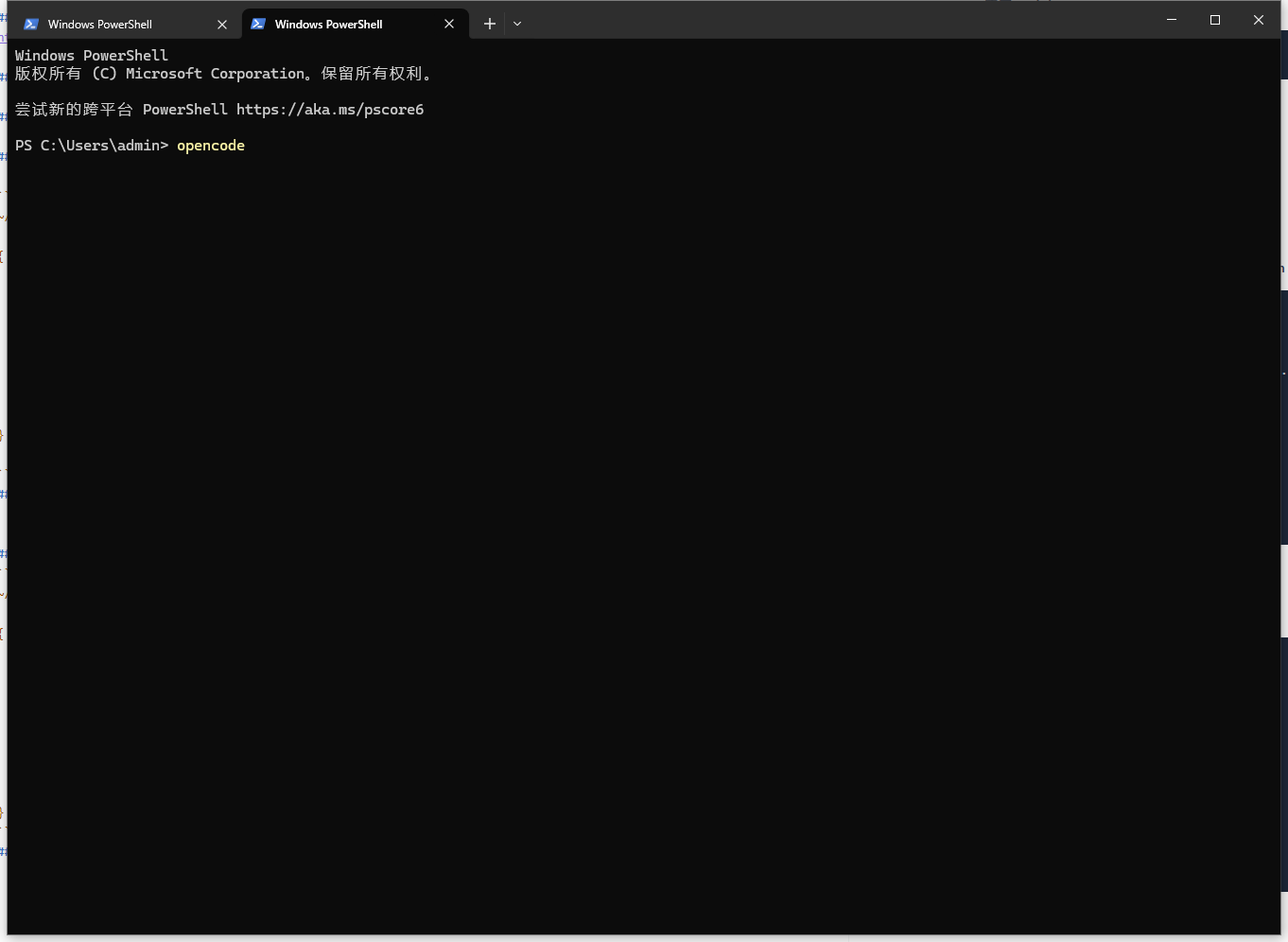
##### 打开终端
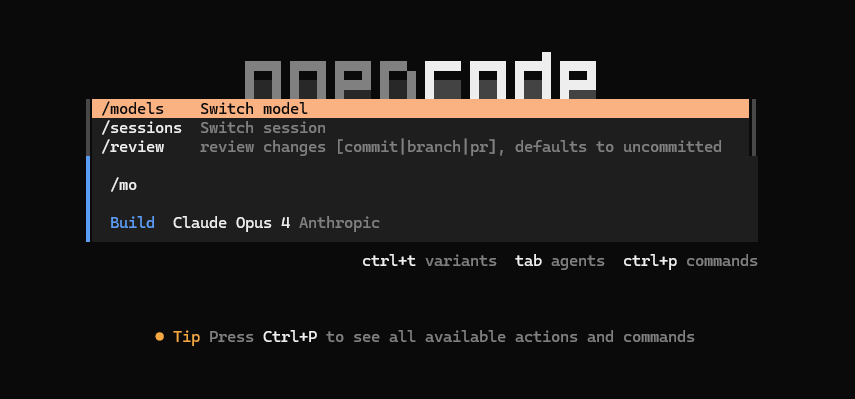
##### 输入 /models
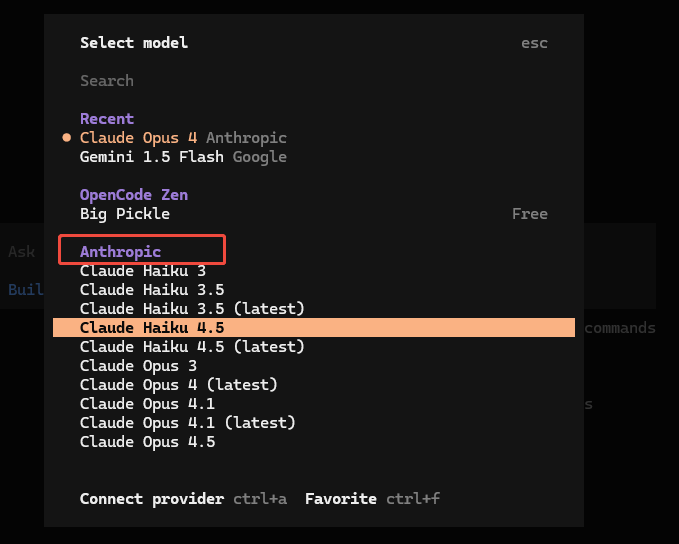
##### 选择 anthropic 中的一个模型
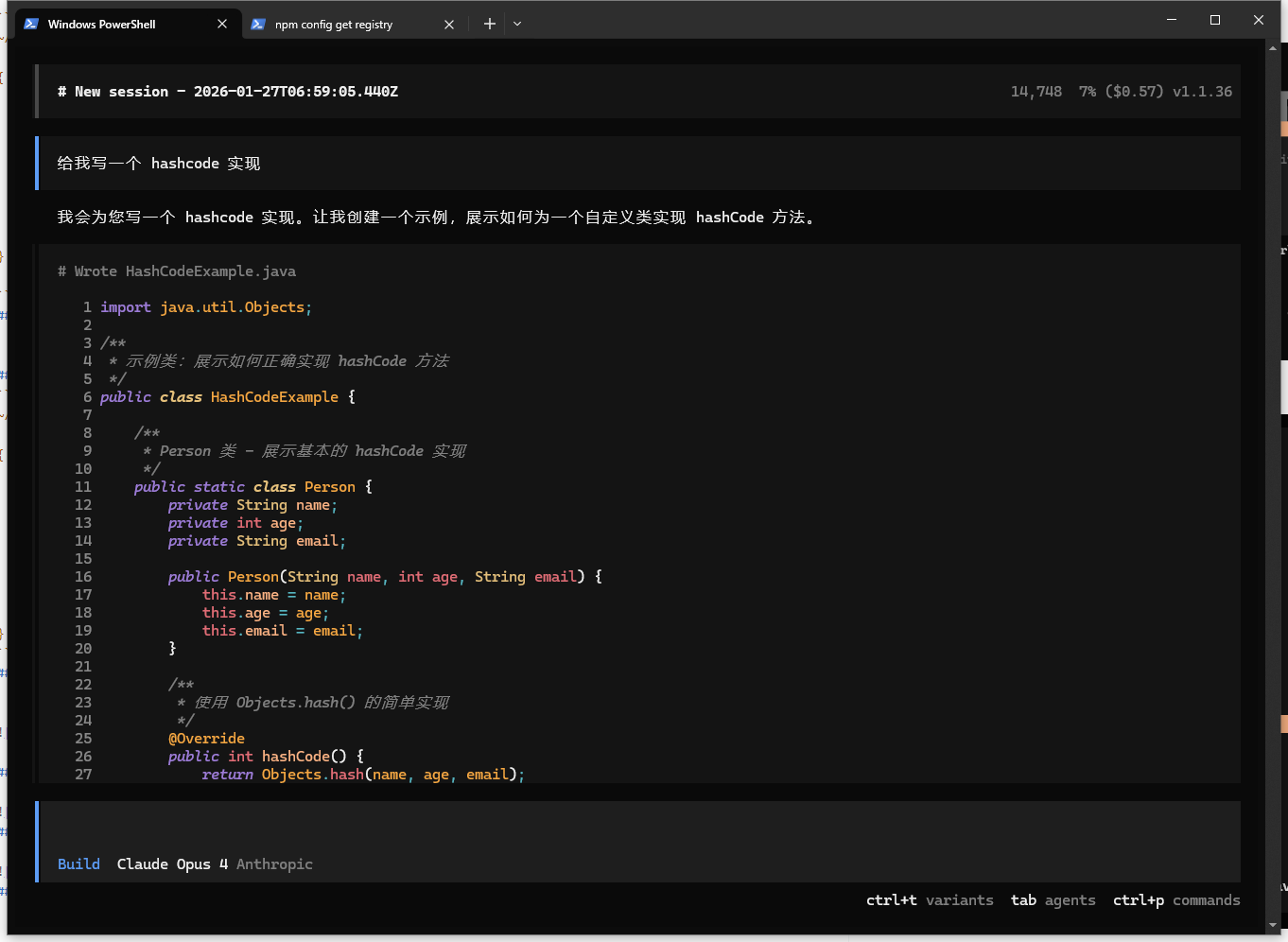
##### 开始使用